As we all know, the AI revolution has already begun in the world of the internet. And for the upcoming years, if your products/services are not aligned with this, you are falling behind, no doubt. Keeping that in mind, we, at WPDeveloper, the trusted name for building WordPress & SaaS solutions in the industry, are incorporating AI features in all our products to make everything easier and faster. So if you are looking for workflow automation & searching for the perfect AI tools to boost productivity, you are in the right place.
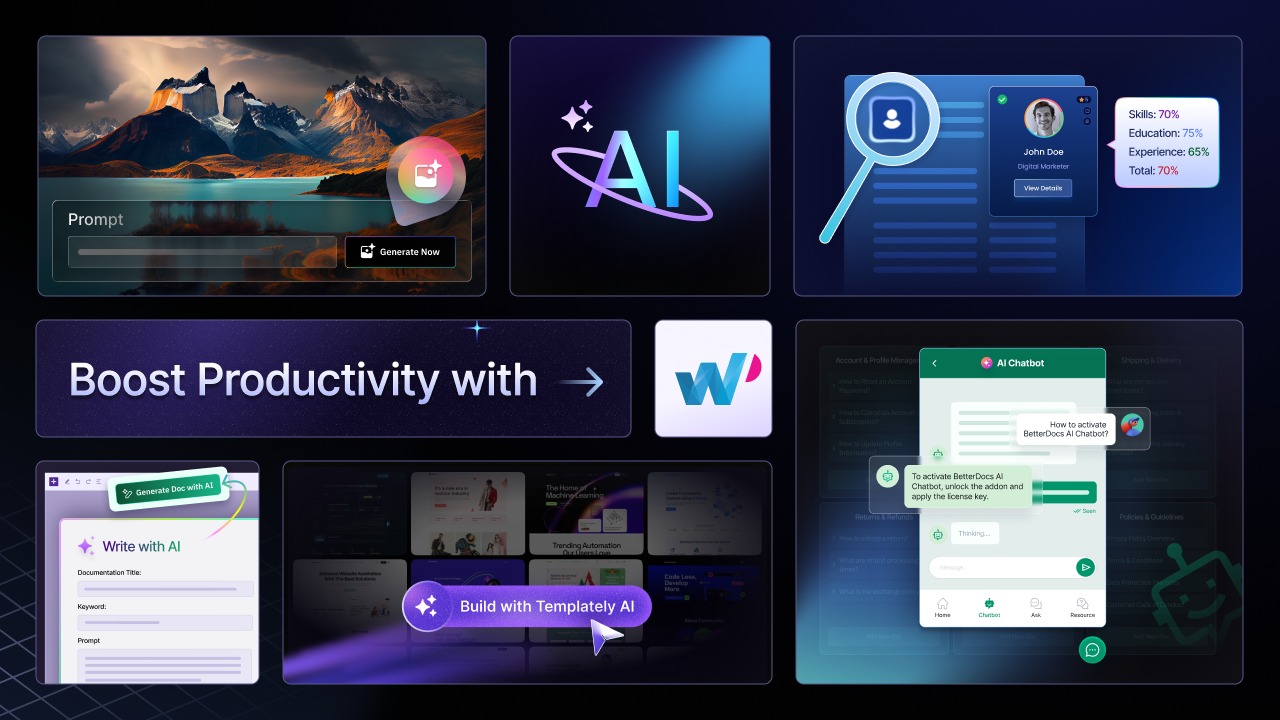
From one-click website content generation, images, writing, and summarizing website documentation, to hiring the right talent for your company – let AI take care of everything from now on. Join us as we explore how WPDeveloper’s workflow automation tools can uplift your AI journey.
✨ Take a Quick Look at the AI Tools Offered by WPDeveloper
WPDeveloper offers a range of powerful AI tools that aim to streamline your workflow and boost productivity, especially for WordPress users. Whether you are a content creator, web designer, business owner, recruitment officer, and more, these AI-driven features are designed to make your work easier, faster, and more efficient. Many of these capabilities are powered by advanced custom software development services that enable smarter automation and content generation. Here is a closer look at the AI tools available across WPDeveloper’s products.
🎯 Essential Blocks: Create AI-Generated Content & Image That Drive Conversion
Creating fresh content and stunning images has never been this much easier in WordPress. Essential Blocks, the ultimate Gutenberg blocks library for WordPress to add power to the blocks editor and create stunning websites, offers two powerful AI features: Write with AI for generating content in seconds and the AI Image Generator for creating high-quality visuals directly in WordPress.
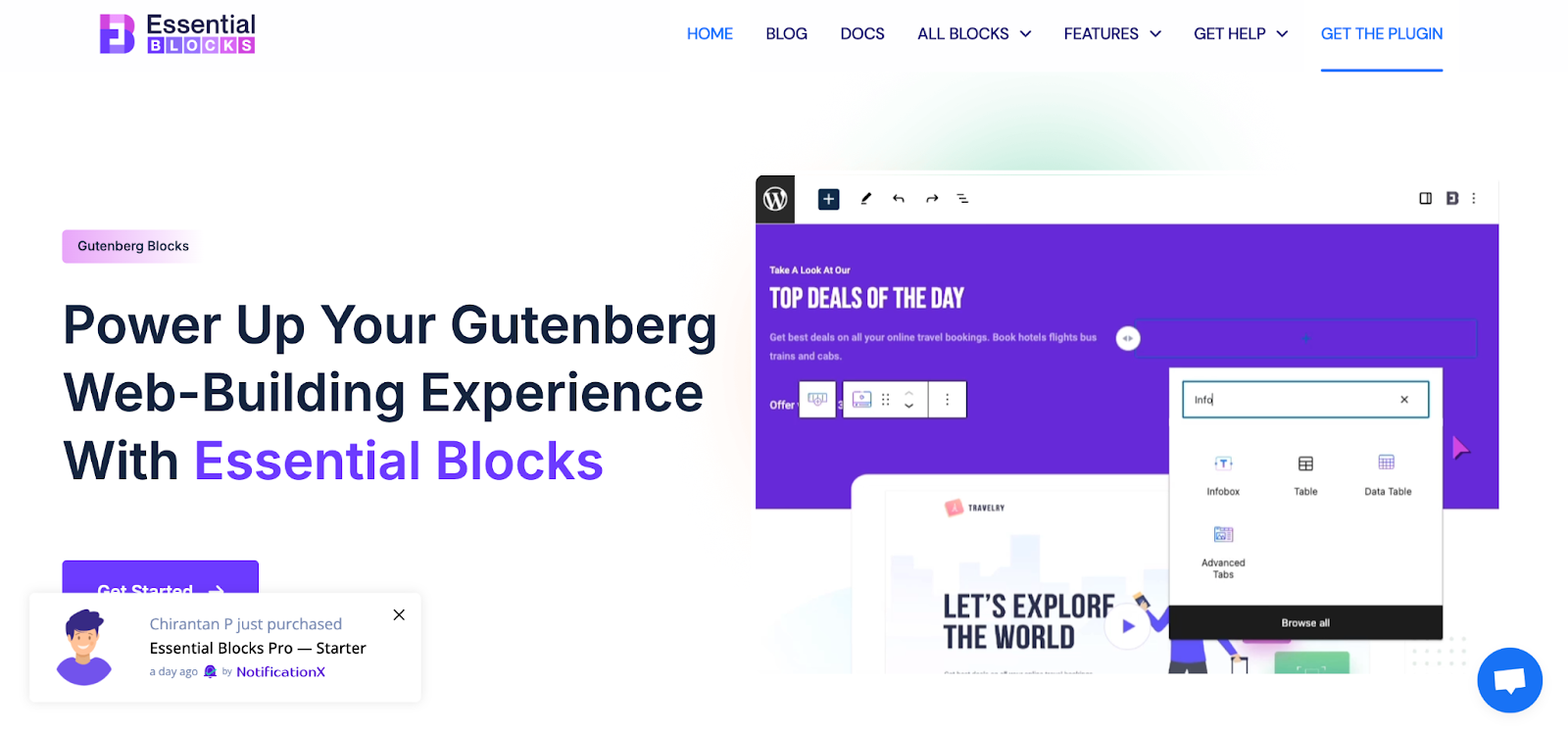
To generate content and images, the AI additions to Essential Blocks can automate your workflow & boost productivity. Let us get acquainted with the feature and see what feature can do for you.
i. Write with AI in Essential Blocks
If you are struggling to keep up with creating fresh content for your WordPress site, the Essential Blocks Write with AI feature is here to automate your workflow. It can help you generate engaging content in seconds. Whether you are a blogger, marketer, or business owner, this tool simplifies the content creation process directly within the Gutenberg editor.
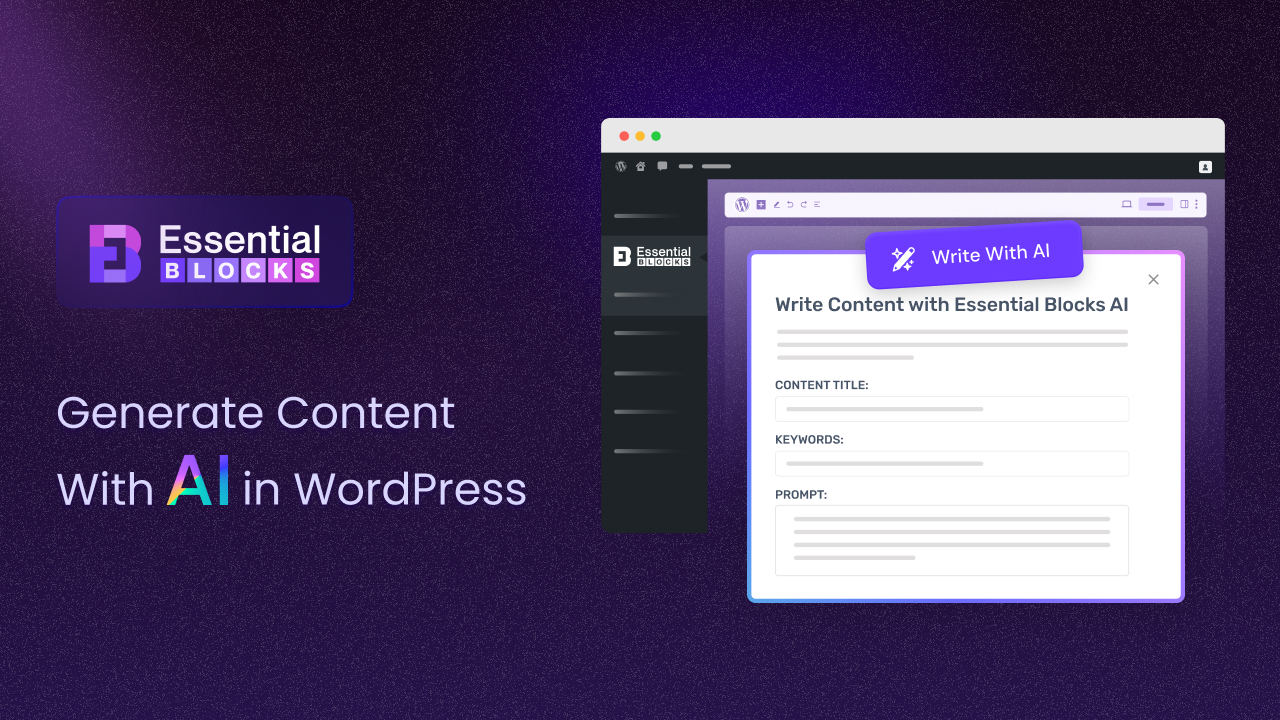
However, AI-driven content generation streamlines tasks like drafting, research and editing, allowing you to focus on strategy and storytelling. It is fast, efficient, and ensures consistency in tone and structure across your site. Plus, with the ability to scale content generation and customize tone and length, it is perfect for everything from blog posts to product descriptions.
By integrating this feature with Essential Blocks’ customizable Gutenberg blocks, you can easily transform raw AI content into polished, visually appealing web pages. Whether you are creating new content or refreshing old posts, Essential Blocks’ AI can help improve your website’s efficiency and engagement.
👉 Learn More: Generate with AI Using Essential Blocks: Revolutionize How You Create Content in WordPress
ii. AI Image Generator in Essential Blocks
The AI Image Generator in Essential Blocks streamlines the creation of customized images directly within WordPress. With just a few text prompts, you can generate high-quality images instantly, saving time and money on stock photos and design work.
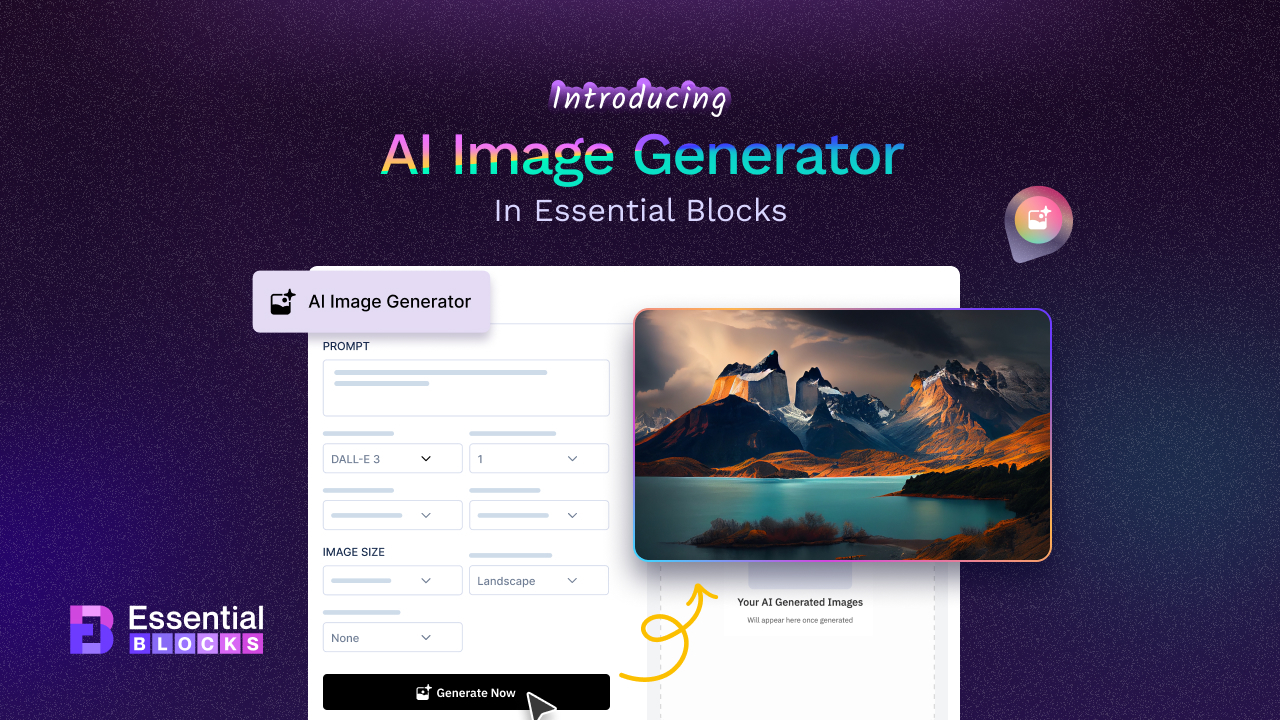
The feature offers:
- Multiple AI Models: Choose from DALL-E-2, DALL-E-3, and GPT-Image-1 for different types of content (artistic, professional, or high-volume).
- Customizable Images: Adjust size, style, quality, and format to fit your needs.
- Easy Integration: Works seamlessly with WordPress and Essential Blocks.
- Categories for Different Needs: ‘Photographic’ for realistic images, ‘Vector’ for logos and illustrations, 3D for depth and modern design
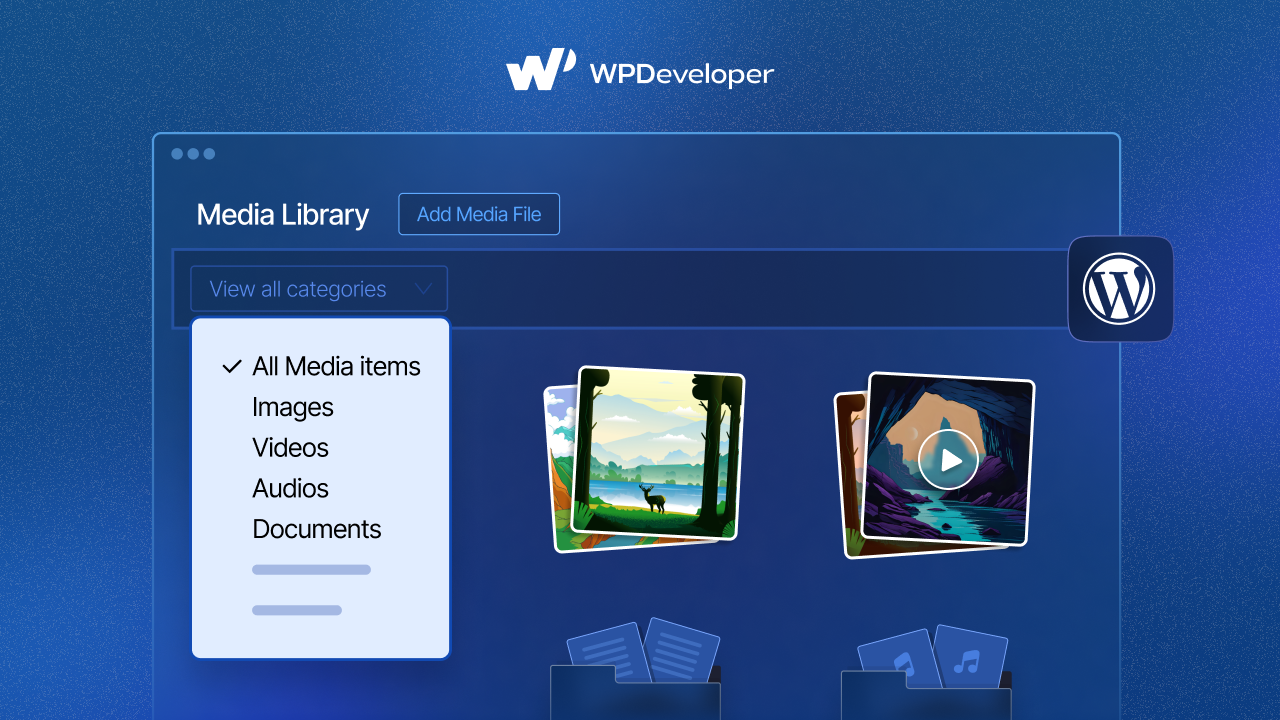
- Instant Library Access: Automatically saves generated images to your WordPress media library for future use.
This tool makes creating blog visuals, eCommerce product images, and more quick and easy without needing external tools.
👉 Learn More: [New] Introducing AI Image Generator in Essential Blocks – Transform the Way You Build in Gutenberg
🎨 Templately: Create Website Content in Just 1-Click with AI
Templately, the ultimate WordPress templates cloud, offers 6000+ ready templates & features like cloud collaboration, one-click website import and more. Using the ready-to-use templates, building a website is no longer a daunting task. But the question comes, why do we bring AI to Templately despite having so many features?
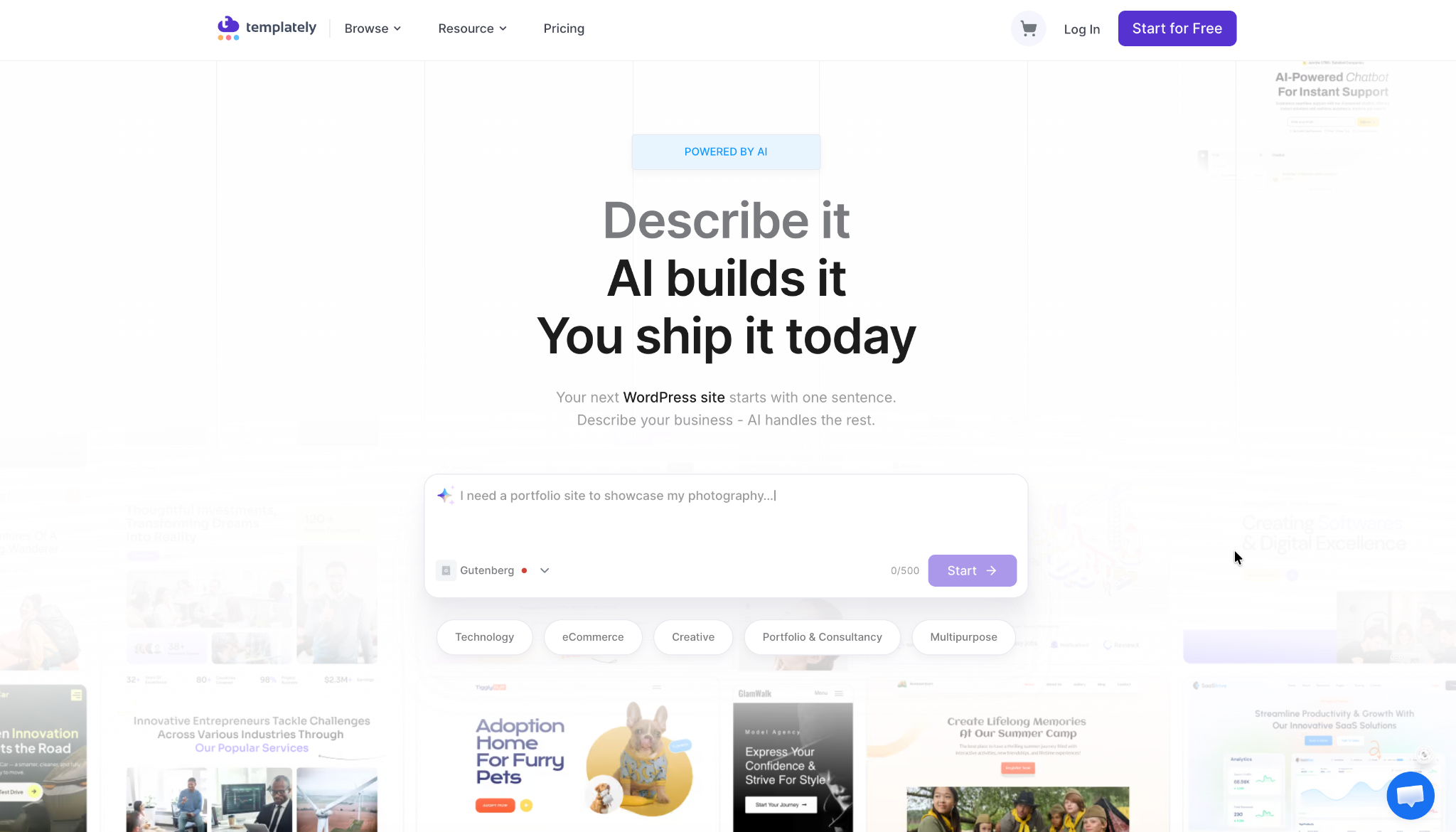
The answer is very simple. Writing the perfect website copy can slow things down, especially when creativity, time, and branding are factors. What if you could generate your website copy in just one click without leaving the platform? With Templately AI, this is now possible
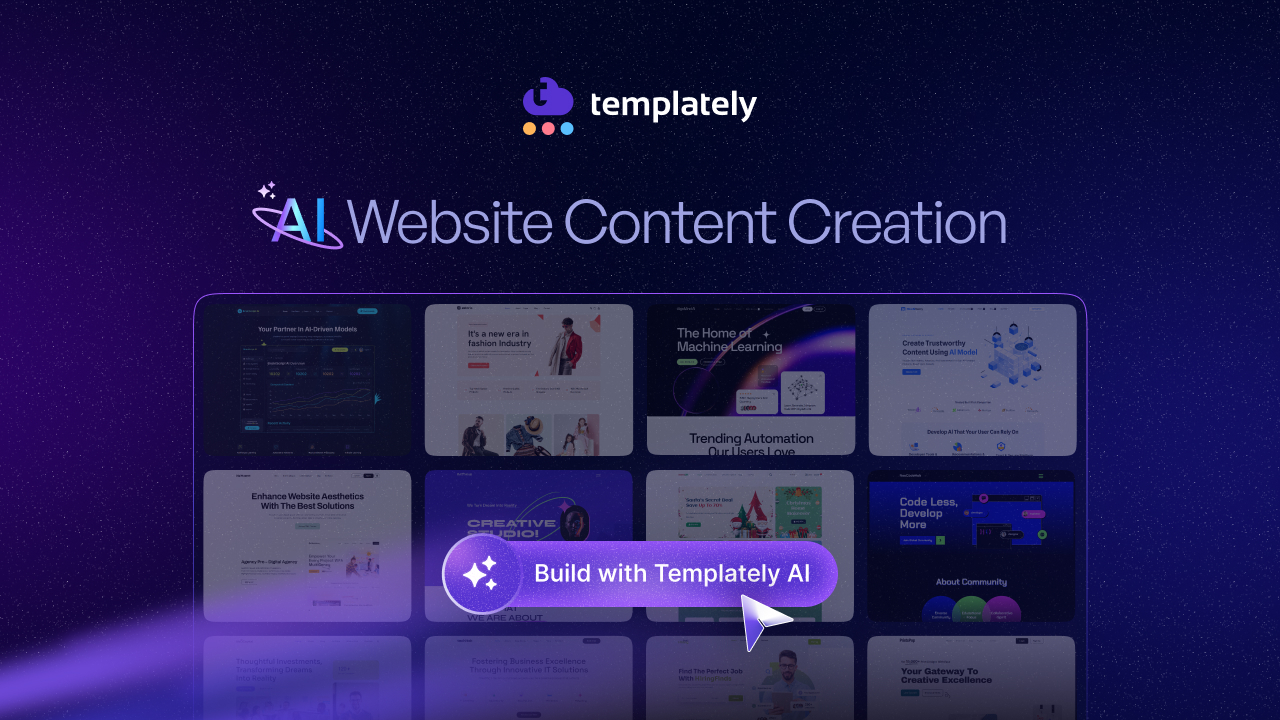
When speaking of workflow automation, Templately’s new AI Content Generator is designed to speed up the content creation process for your entire website. This feature allows you to generate website content in minutes by simply entering key details about your business.
It aligns the generated content perfectly with your website’s design, making the process faster and more efficient than ever before.
Overcoming Common Website Content Challenges
- Writing quality content can take time, especially when aligning it with the website’s design and visitor engagement.
- Struggling with clear brand guidelines, writers often face this challenge.
- Ensuring that your content fits well with the design layout can be tricky and time-consuming.
With Templately AI, these challenges are solved. The AI generates content tailored to each section of your website, maintaining consistency and accuracy across all pages. This not only saves time but also ensures that your website content aligns perfectly with the design.
👉 Learn More: Templately AI Website Content Creation: How to Build a Full Website with Minimal Input
With the AI logo generator, you can create and customize a brand logo directly inside your website while importing a template pack. After you log in, choose a template, and click “Build Full Website.” Templately gives you the option to generate a logo with AI before your site goes live.
The AI Generator puts you in control of the result. You can enter a prompt describing the kind of business logo you want, produce multiple variations to pick from, and set the image size, quality, and output format (JPG or PNG). You can also choose from three logo styles, including typographic, shape, and handwritten, so the generated logo matches your brand’s personality.
If you would rather refine things yourself, the Typography option lets you build or adjust a logo manually, with control over text, font family, weight and size, icon gap, shape, and colors. Once you are happy, a single click inserts the logo into your site, where you can set its width and position, giving you a polished, on-brand logo without any external design tools.
📝 BetterDocs: Write, Summarize Website Documents & Give Support to Users Quickly with AI Assistant
BetterDocs AI features allow you to quickly create product guides and manuals by entering keywords and provide concise summaries of long documents for easier reading. The AI Chatbot offers 24/7 support, answering visitor questions in real-time, while smart tools like AI-Powered Modal Search, Doc Quality Analysis, Real-Time Related Docs, and one-click Sample Doc & FAQ generation make your entire knowledge base faster to build and easier to navigate.
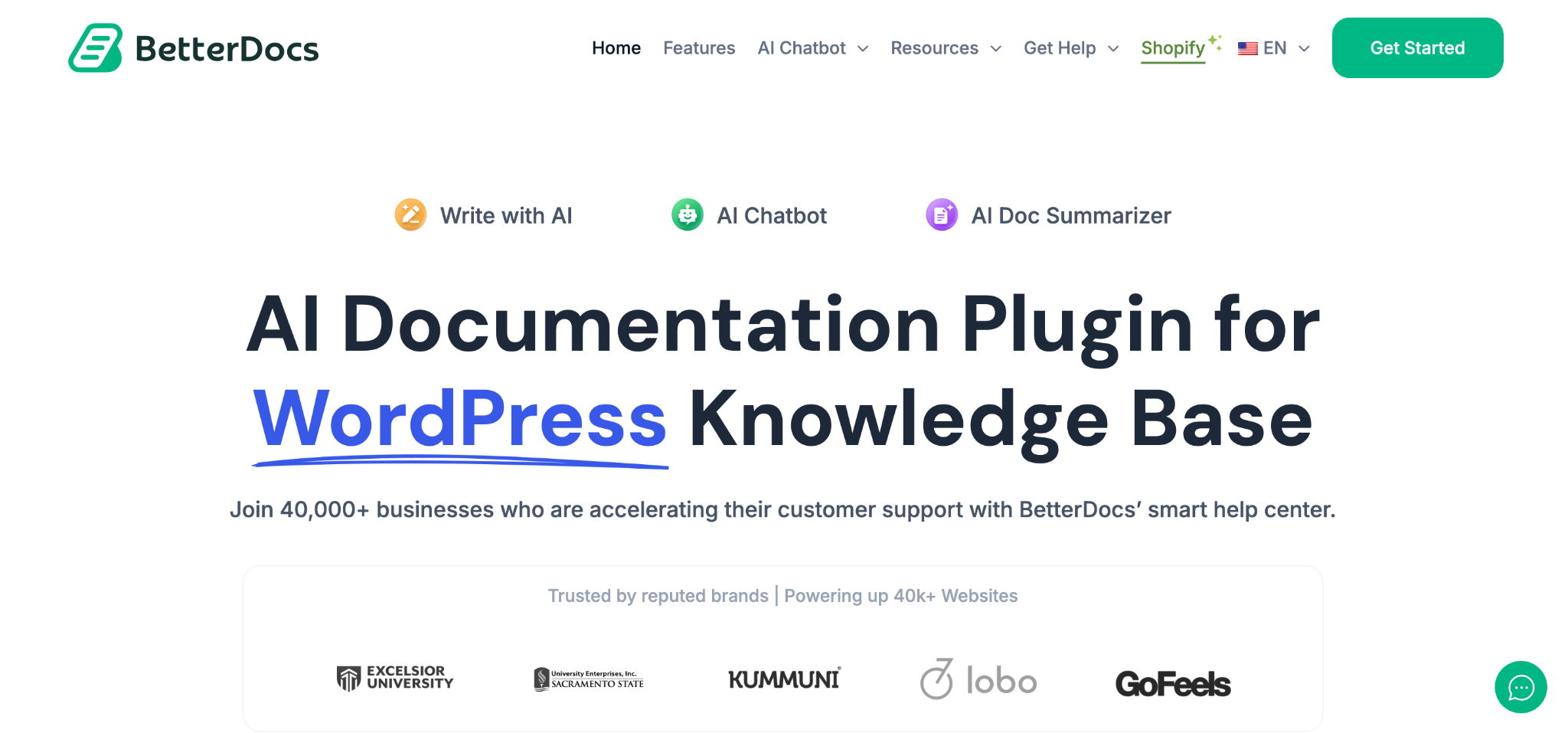
Let us discuss each of these in detail to learn how these features can automate your workflow & boost productivity.
i. Create High-Quality Website Documentation
The Write With AI feature in BetterDocs makes creating documentation quick and easy. By simply entering a few keywords or prompts, you can automatically generate detailed content, saving you a lot of time.
This feature helps you instantly create product guides, FAQs, and manuals, while maintaining a consistent tone and structure. It is perfect for non-technical users who need to produce polished documentation.
ii. Summarize Website Documentation Smartly
BetterDocs offers an AI Doc Summarizer to help users quickly understand long documents. This feature generates concise summaries at the top of each article, making it easier for readers to decide whether they want to read more.
It is perfect for technical or policy-heavy content and improves accessibility by providing instant takeaways. The AI summarizer also enhances internal search results by adding preview snippets.
You can use this feature to summarize internal documentation for onboarding, create brief previews for search results, or offer executive summaries for long-form documents, making your knowledge base more user-friendly and efficient.
iii. Give Support Instantly with AI Chatbot
The BetterDocs AI Chatbot is your 24/7 virtual assistant that provides real-time, accurate answers to your visitors’ questions. It scans and processes your entire knowledge base or website to generate contextually relevant responses. Powered by OpenAI, the chatbot delivers human-like replies with just a few simple configuration steps.
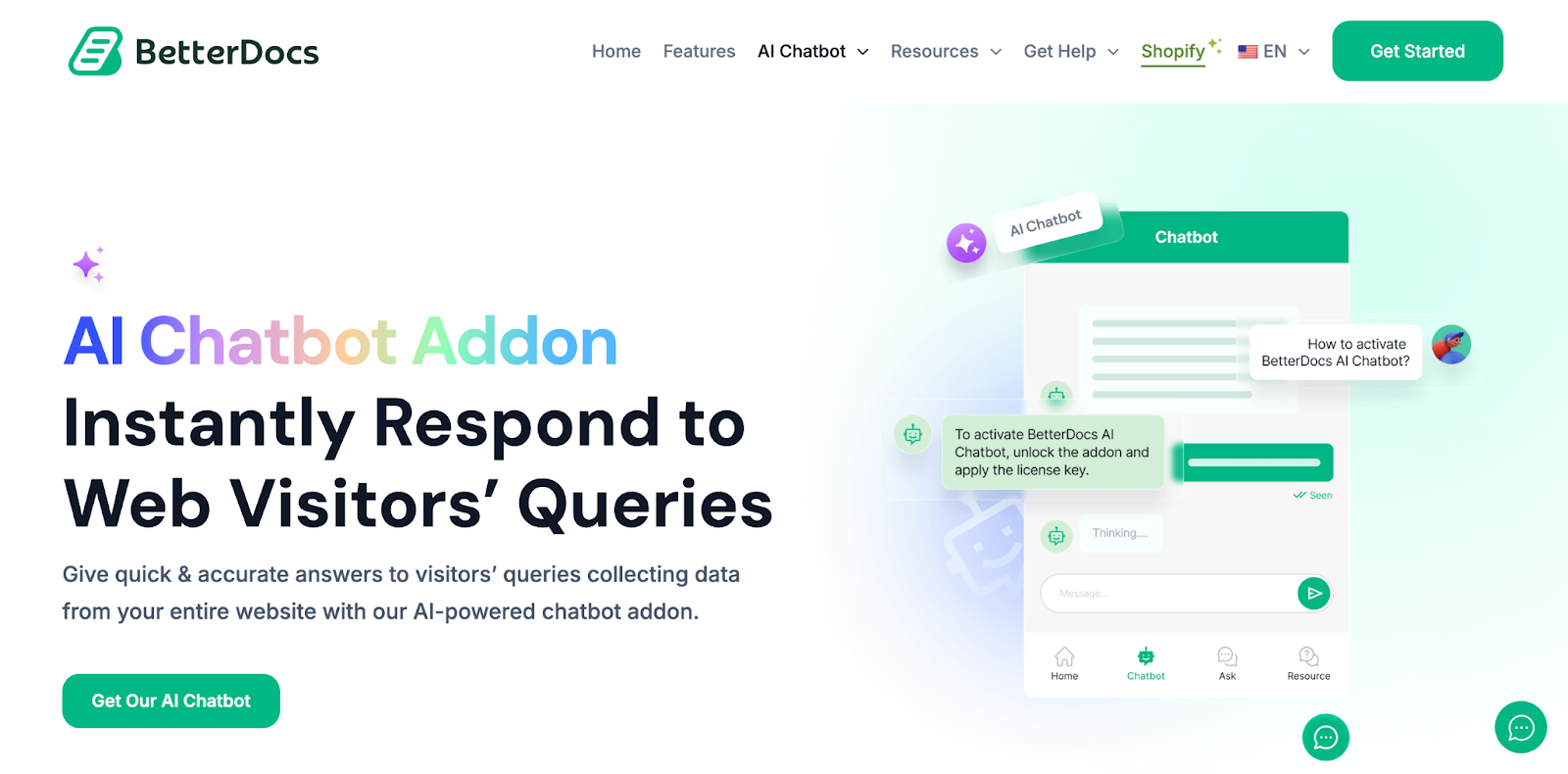
You can customize the chatbot’s behavior with two AI chat models, choosing between a concise or conversational tone. Additionally, there are three embedding models to select from, based on how you want your website data to be processed.
The BetterDocs AI Chatbot helps handle common user questions, guides users through website documentation, and provides round-the-clock support. It acts as a first-level support tool before escalating issues to human agents if needed. This feature is available as an add-on with the PRO version, making it a powerful tool for enhancing customer support.
👉 Learn More: Introducing AI Chatbot for WordPress Website for Documentation Queries Powered by BetterDocs
iv. Find Documents Faster with AI-Powered Modal Search
The AI-Powered Smart Modal Search lets visitors search your knowledge base and get instant, AI-generated answers right inside the search modal, so they grasp what a document covers without opening several pages first.
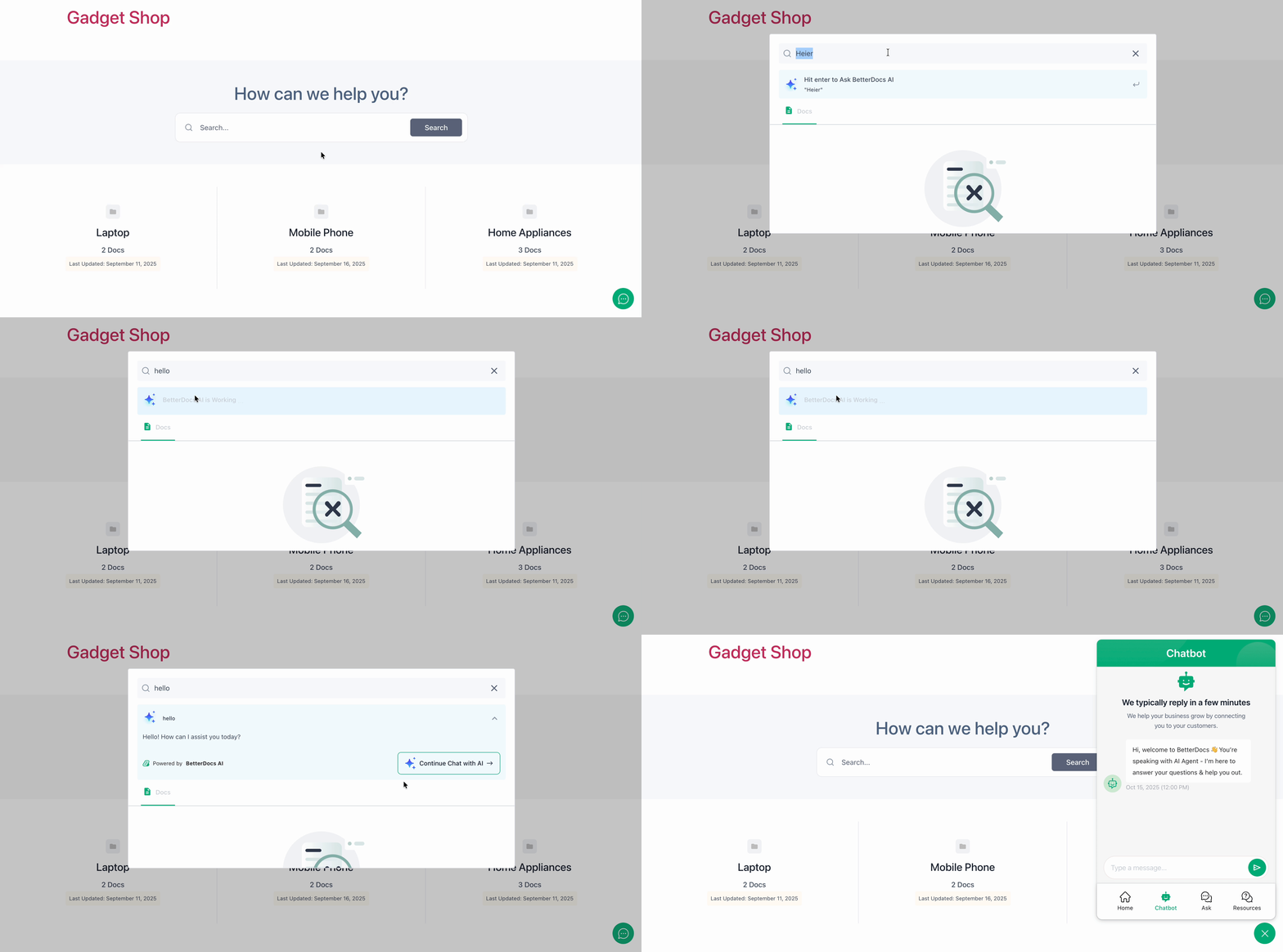
If a quick answer is not enough, readers can jump straight from the search results into the AI Chatbot to continue the conversation and resolve their query. You can also fully customize the modal, choosing from three layout options and styling the title, query, response, and buttons in either the block editor or Elementor to match your brand.
👉 Learn more: How AI Search Is Changing the Way Users Find Help And Documentation Online
v. Assess Content Quality with AI Doc Analysis
With Doc Quality Analysis with AI, BetterDocs reviews each article and returns an overall quality score along with clear areas to improve, all within a few minutes. It connects through your OpenAI API key, added under Settings → AI Content Suite.
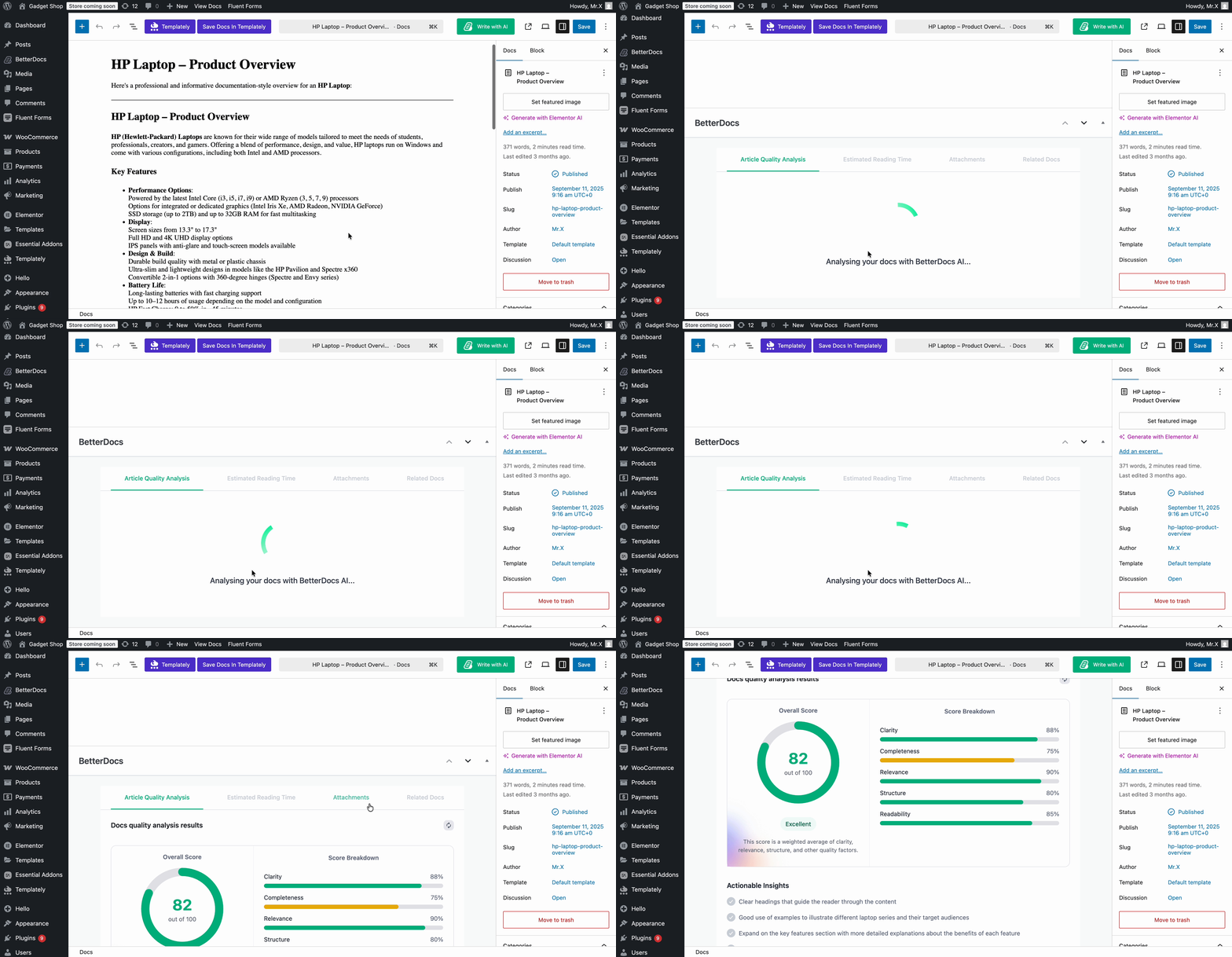
The analysis scores every document across five key metrics: clarity, completeness, relevance, structure, and readability. This helps your team spot weak or outdated articles and refine them, so your knowledge base stays accurate, well-organized, and easy for readers to follow=
👉 Learn more: AI Business Documents Analysis for Professionals: What It Is And Why It Matters
vi. Guide Readers with Real-Time Related Documents
The AI-Powered Real-Time Related Docs feature automatically recommends the most relevant articles to each reader as they browse. Instead of relying only on links you add by hand, it observes signals like page views, scroll depth, internal link clicks, and search queries to suggest what’s most likely to help at that moment.
You get granular control over tracking, performance, and privacy settings, including IP anonymization and data-retention limits for GDPR-friendly compliance. Inside the editor, you can generate AI suggestions on demand and approve or reject each one, keeping your related-docs recommendations both smart and accurate.
👉 Learn more: How to Show Real-Time Related Docs in WordPress Using BetterDocs AI?
vii. Kickstart Your Knowledge Base with AI Sample Doc & FAQ Generation
Using the BetterDocs Quick Builder, you can set up your entire knowledge base and generate starter content with AI in just a few steps, right after installation. With a single click on “Generate Sample Docs,” BetterDocs reads your site and creates a tailored starter knowledge base you can insert all at once, no API key required.
You can also generate sample FAQs the same way from the FAQ Builder, producing questions and answers tailored to your audience. This gives new sites an instant, well-structured foundation to build on, which you can edit and manage anytime.
viii. Define Key Terms Automatically with AI Glossaries
BetterDocs lets you build a Glossary so readers can understand frequently used or technical terms right where they appear, without leaving your documentation to search Google or Wikipedia. Instead of writing every definition yourself, you can add a term, click “Define with AI,” and generate a clear description in seconds.
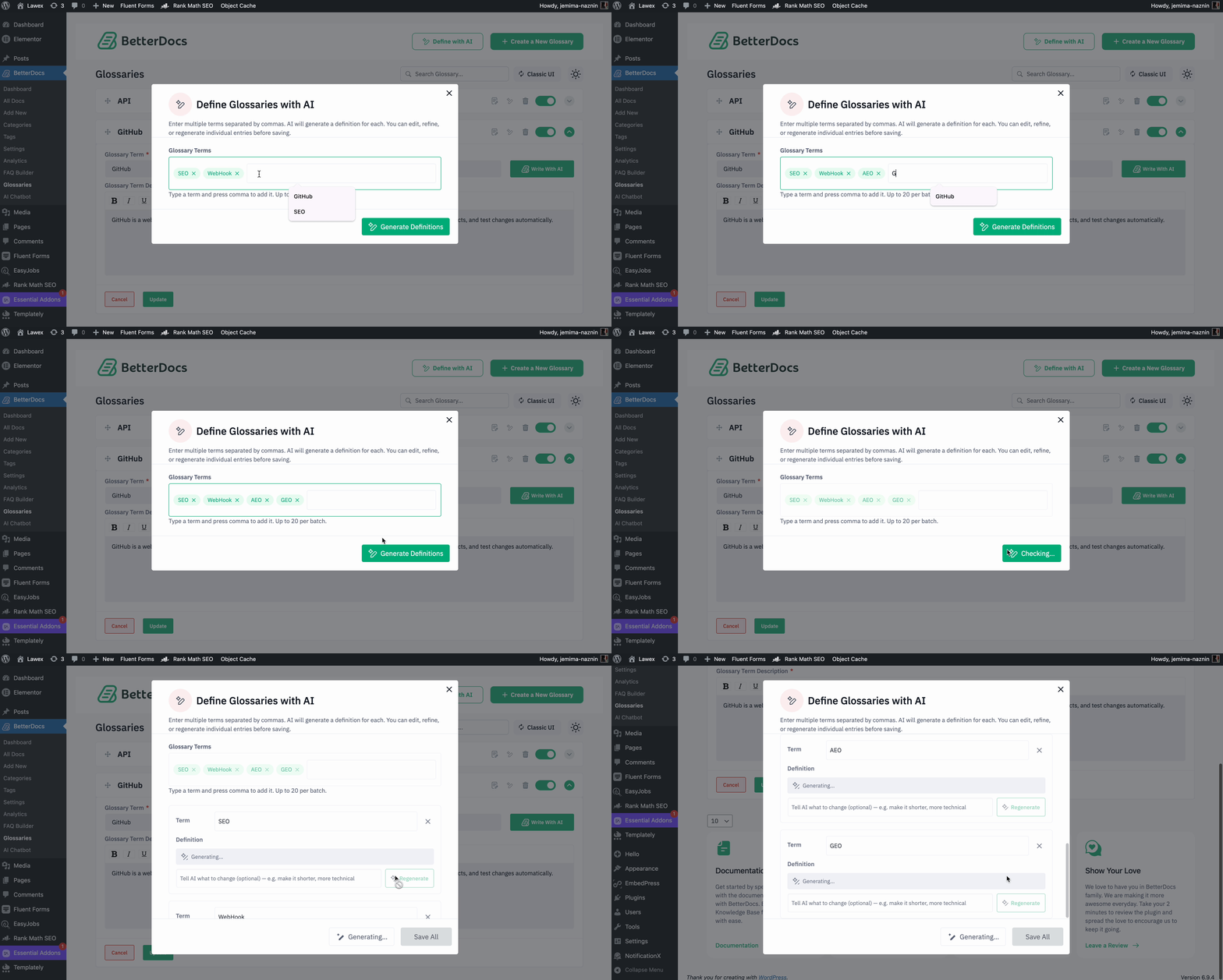
If a definition is not quite right, you can regenerate it with your own instructions until it fits, and you can even generate definitions for multiple terms at once by separating them with commas.
Once created, glossary terms appear as hover tooltips inside your docs and can be gathered on a single Encyclopedia page, making complex terminology effortless for your audience to grasp. Note that Glossary is a premium feature available with BetterDocs PRO.
💼 easy.jobs: Find & Hire the Right Talent for Your Organization with an AI-Powered Recruiting Tool
easy.jobs, the AI-powered recruitment solution, makes finding and hiring the right talent easy as pie. With its cutting-edge AI features, you can transform your recruitment strategy.
Creating compelling job posts, assessing candidate potential with AI scores, and AI-powered resume parsing, all features that can be beneficial for both the recruiter and the candidate. It helps recruiters to connect with the best talent faster and more effectively and for candidates, they do not need to manually prepare their easy.jobs profiles. Let us discuss one by one.
i. Create AI-Generated Job Posts
Want to simplify & automate the process of your recruitment? easy.jobs AI-generated job posts allow you to do that. With this feature, you can easily create job listings that include clear titles, compelling summaries, detailed descriptions, company overviews, and SEO-optimized content—all with minimal effort.
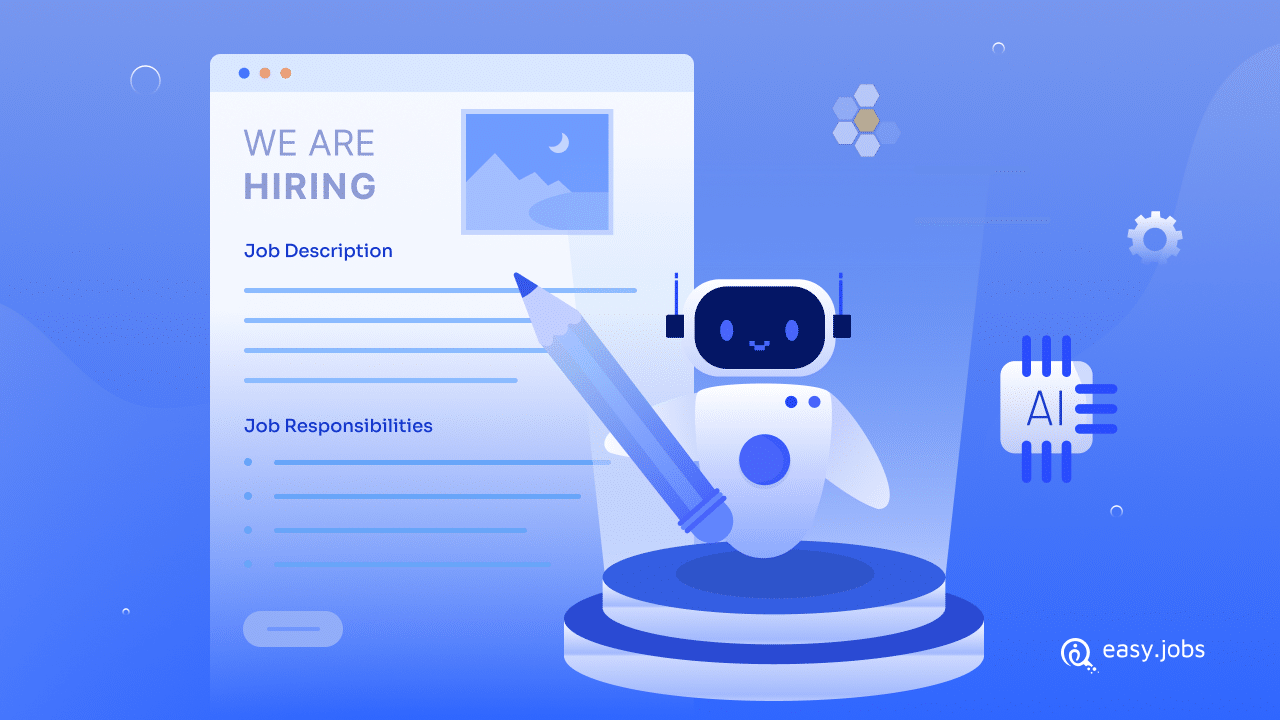
Using AI, easy.jobs ensures that your job posts are both accurate and attractive to top talent, helping you recruit effectively. The simple, step-by-step process allows businesses to quickly generate job content and make edits as needed. Additionally, startups can promote job postings effectively through easy.jobs’ user-friendly tools & create a seamless hiring experience.
👉 Learn More: How To Create AI-Generated Job Posts With easy.jobs?
ii. Check the AI Score of a Candidate
easy.jobs lets you effortlessly check the AI score of any candidate to gain valuable insights into their potential. Before using this feature, make sure to configure the AI setup in your account. Once set up, follow these simple steps to check the AI score of any candidate:
- Manage Candidate Details: Log in to your easy.jobs account, go to the ‘Candidate’ section, and click on the ‘View Details’ button of the candidate whose AI score you wish to check.
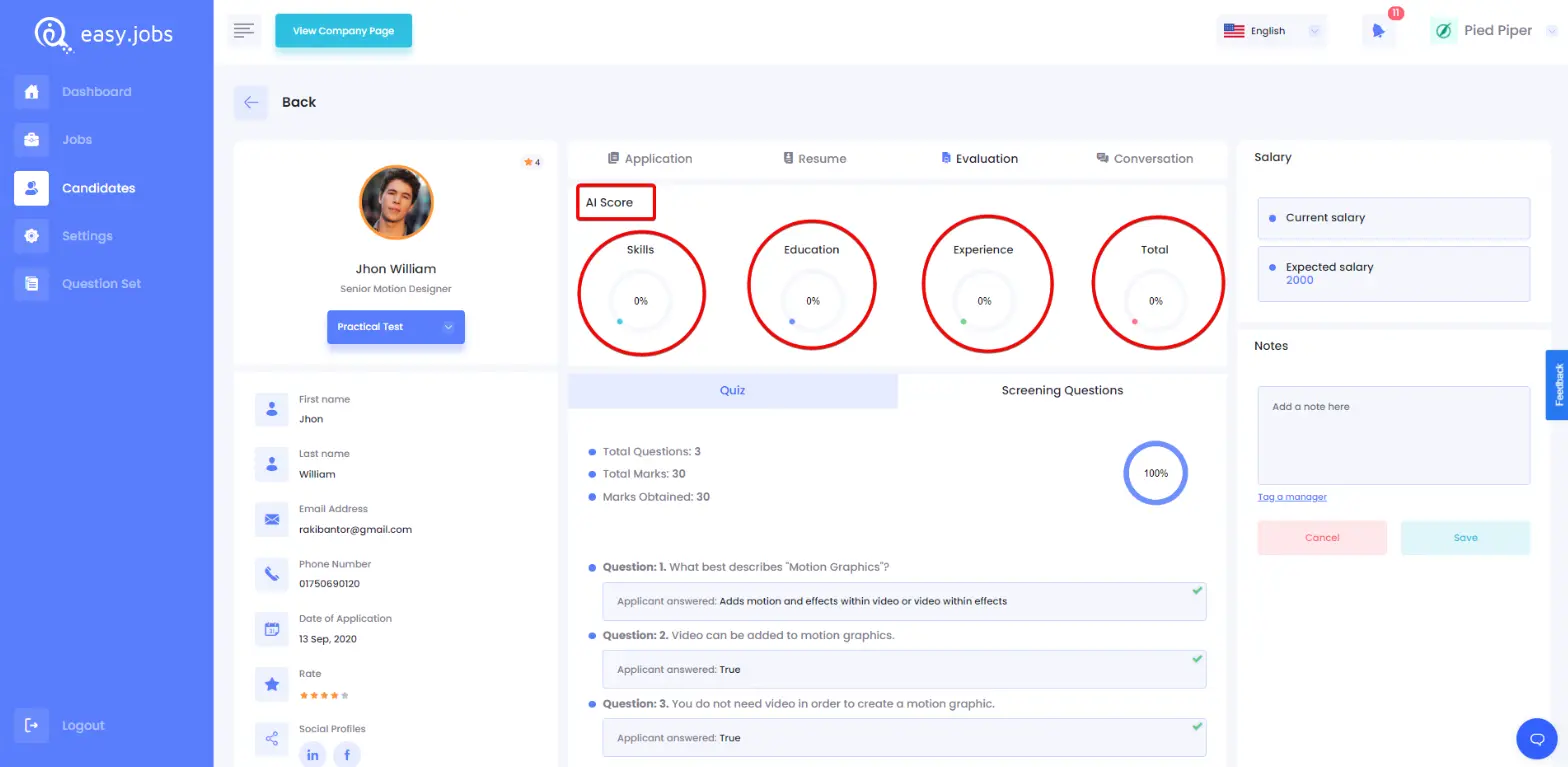
- View Candidate’s Evaluation: Once you are on the candidate’s page, click on the ‘Evaluation’ tab. You will be able to see the candidate’s AI score, providing you with an insightful assessment of their qualifications and potential.
Note: The AI feature is still in its beta phase, so you may encounter some issues. We are constantly improving this feature to enhance its performance.
👉 Learn More: How To Check The AI Score Of A Candidate In easy.jobs?
iii. Let AI Build the Candidate Profile for You
With AI-powered resume parsing, you can easily extract key information from resumes, whether in PDF or other formats, and automatically populate candidate profiles. This intelligent feature streamlines your hiring process by saving you valuable time and reducing human error.
Instead of manually inputting data like names, contact details, experience, and skills, the AI instantly analyzes the resume and fills out the candidate’s profile accurately and efficiently.
🔔 NotificationX: Create Notification Bar & Exit Intent Popup with AI
NotificationX, the popular WordPress social proof and marketing plugin, now brings AI directly into your promotional campaigns. Instead of designing every alert by hand, you can let AI build eye-catching notification bars and exit intent popups for you in seconds, so you spend less time on setup and more time converting visitors.
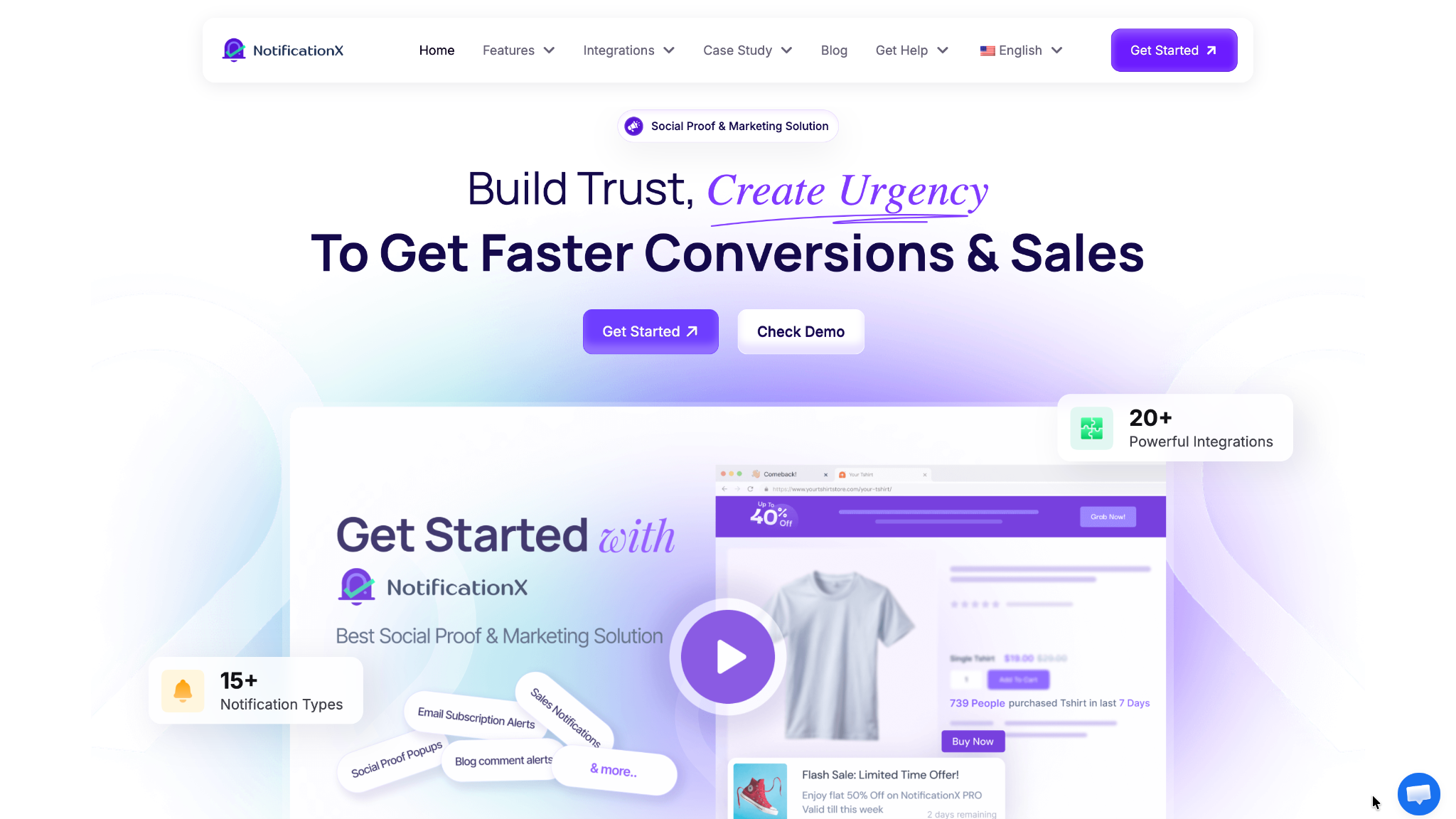
With the Build with AI features, you simply choose a prompt or describe what you want, and NotificationX generates a ready-to-use design that matches your goals and branding. Let us look at each of these AI features in detail.
i. Design Your Website Promotional Banner with AI
The notification bar with AI feature lets you create stunning promotional banners instantly, without any manual design work. When you reach the Design tab, just click “Build with AI” and let it handle everything from layout to styling for your bar.
You can pick from ready-made prompt suggestions grouped by category, insert a prompt, set how many variations to generate, and tweak the wording before generating. NotificationX then produces multiple bar designs to choose from, and you can still fine-tune colors, text, buttons, countdowns, and coupon codes through the Advanced Design options.
This makes it fast and easy to promote your latest sales, discounts, or urgent announcements in a way that grabs attention and encourages visitors to act, all while staying aligned with your website’s look and feel.
ii. Do Not Let Your Visitors Leave So Early with an Exit Intent Popup
The exit intent popup with AI feature helps you win back visitors who are about to leave by pulling them back into your sales funnel at the right moment. Rather than building a popup from scratch, you describe what you want in plain words and AI creates a complete, ready-to-use design in seconds.
For example, you can prompt something like a discount popup with a bold headline and a call-to-action button, then click Generate. Within moments, AI delivers a full design, including the layout, colors, headline, subtitle, and button, shown instantly in the live preview. If it is not quite right, you can refine your prompt and regenerate until you are satisfied.
From there, you keep full control to adjust the design, edit content like the badge text and video URL, set visibility and targeting, and configure trigger sensitivity and timing before publishing. It is a fast way to turn abandoning visitors into conversions with minimal effort.
🔗 BetterLinks: Create & Insert Smart Short Links Faster with AI
BetterLinks, the popular WordPress link management and shortening plugin, now uses AI to take the manual work out of building and organizing your links. Instead of creating short URLs one by one or hunting through your existing links while you write, you can let AI generate them in bulk and suggest the right internal links right inside your editor.
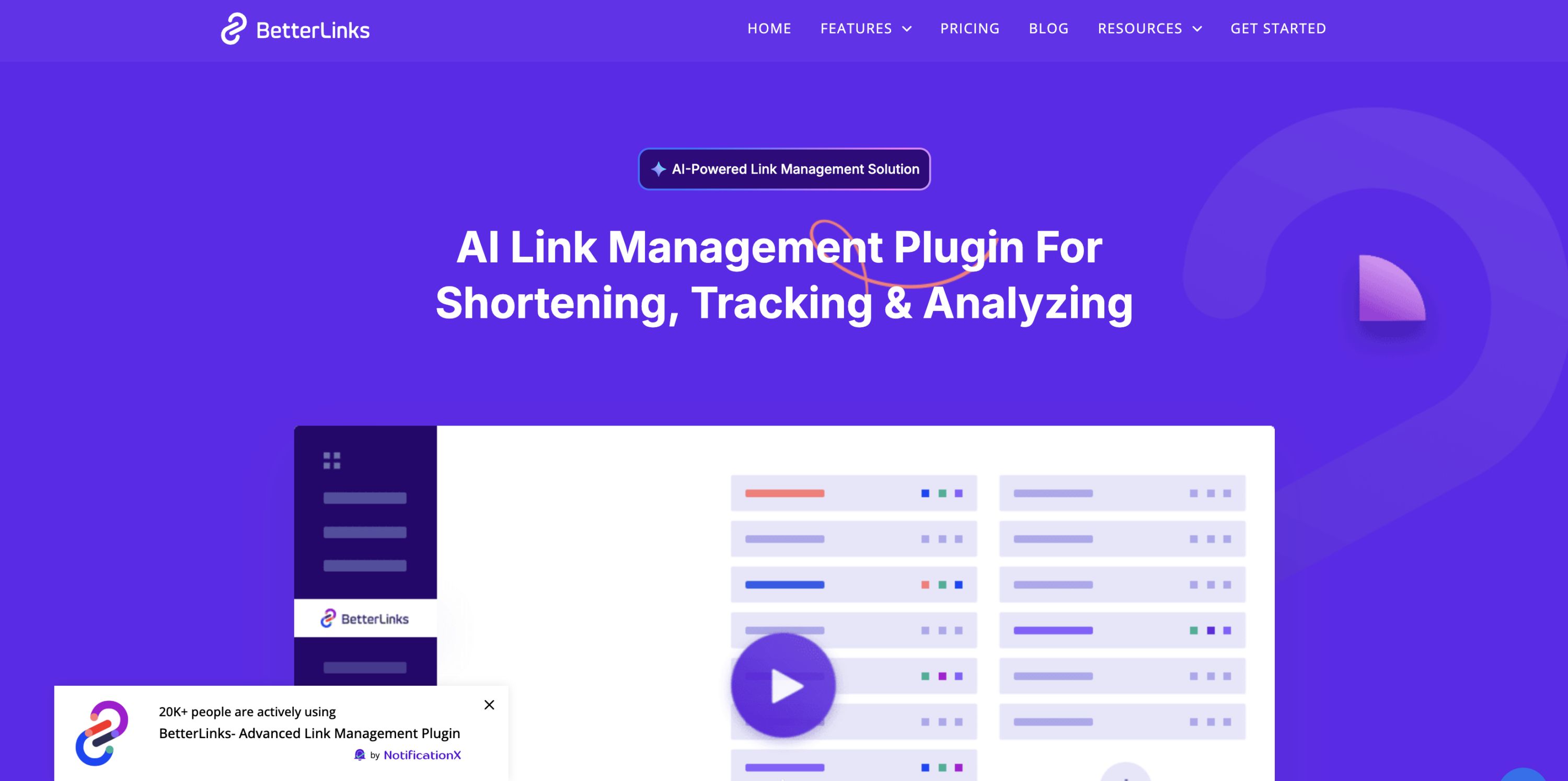
Powered by your choice of AI provider (Google Gemini or OpenAI), these features help you keep your links consistent, trackable, and SEO-friendly with far less effort. Let us look at each of these AI features in detail.
i. Generate Hundreds of Short Links at Once with AI
The AI Bulk Link Generator lets you create and publish multiple short links at once, combining AI suggestions with bulk automation to save time and keep your URLs consistent. After connecting your Gemini or OpenAI API key, you simply paste in your target URLs and let AI handle the rest.
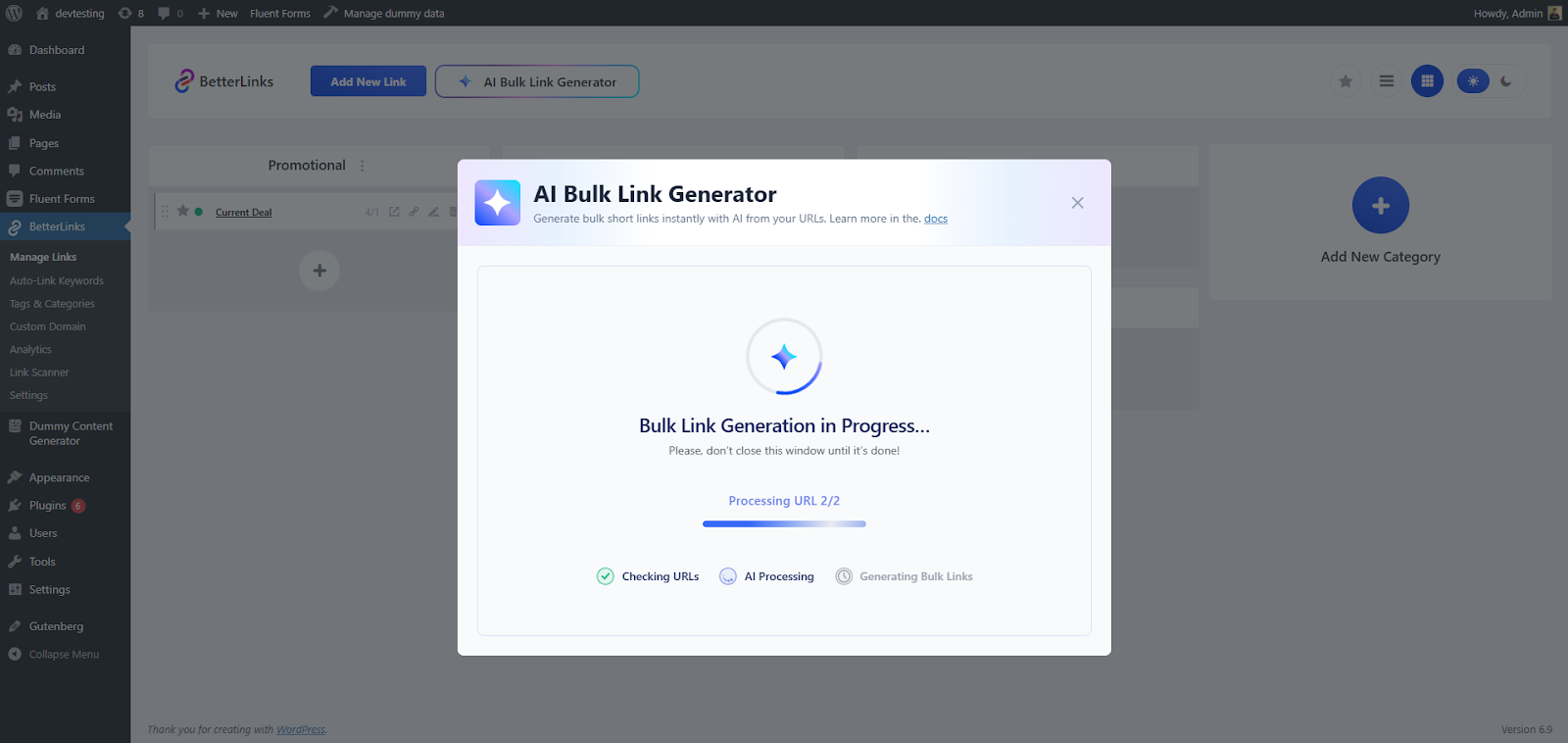
You get full control over how links are built, choosing the redirect type, the short URL generation method (from the link title, target URL, or random strings and numbers), and whether categories are assigned manually or suggested automatically by AI. The generator then processes everything in phases while you watch the progress.
Before anything goes live, you get a preview to review each generated link, its target URL, short URL, and assigned category, so you can verify everything is correct. Once you are happy, a single click publishes all the links at once, making it a fast way to build a large, well-organized set of short links in minutes.
ii. Add Smart Internal Links While You Write with AI
The AI Link Assistant helps you find and insert the most relevant internal links as you write, directly inside the WordPress editor. Rather than searching through your existing short links by hand, it analyzes your content and recommends high-performing links you can add with a single click.
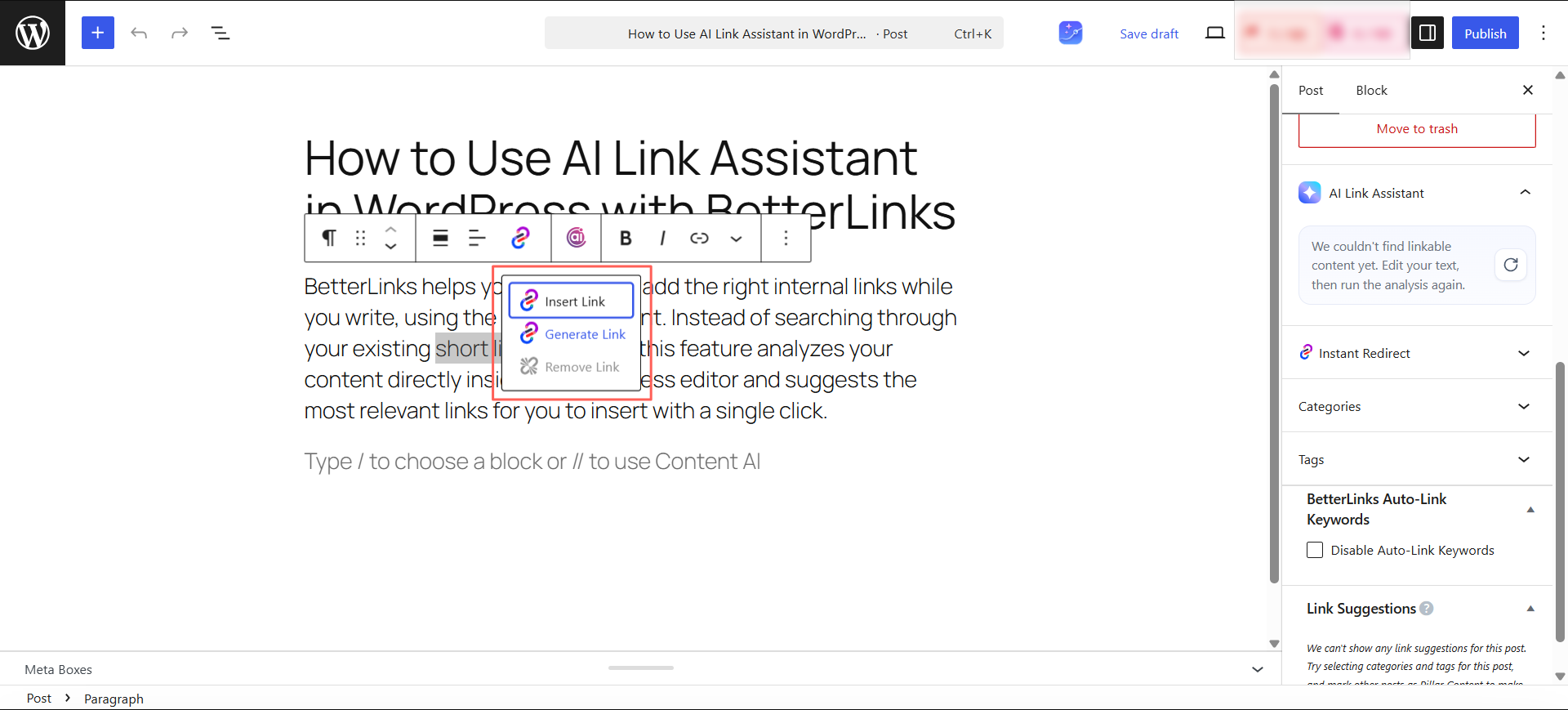
Each suggestion comes with the recommended anchor text, the matching short link, its destination, and how many clicks it has received, with the strongest option flagged as the “Best Match.” You can insert or dismiss suggestions, request links for a specific highlighted phrase, and fine-tune link behavior with options like open in a new tab, nofollow, or sponsored.
It also detects plain, untracked URLs in your content and offers to convert them into short, trackable BetterLinks URLs on the spot. This keeps every link in your content organized and measurable, simplifies maintenance, and supports better SEO performance across your website.
Which AI Feature Do You Want to See Next in WPDeveloper Products?
With the continuation of bringing AI features to all our products, the Team developer is working on integrating more AI features into the rest of the products to automate your workflow. Let us know how you are using all the above-mentioned workflow automation tools in your projects to automate your workflow & boost productivity. We would love to hear from you!
Do not forget to subscribe to our blogs & join our Facebook community to get the latest AI updates the moment anything drops