
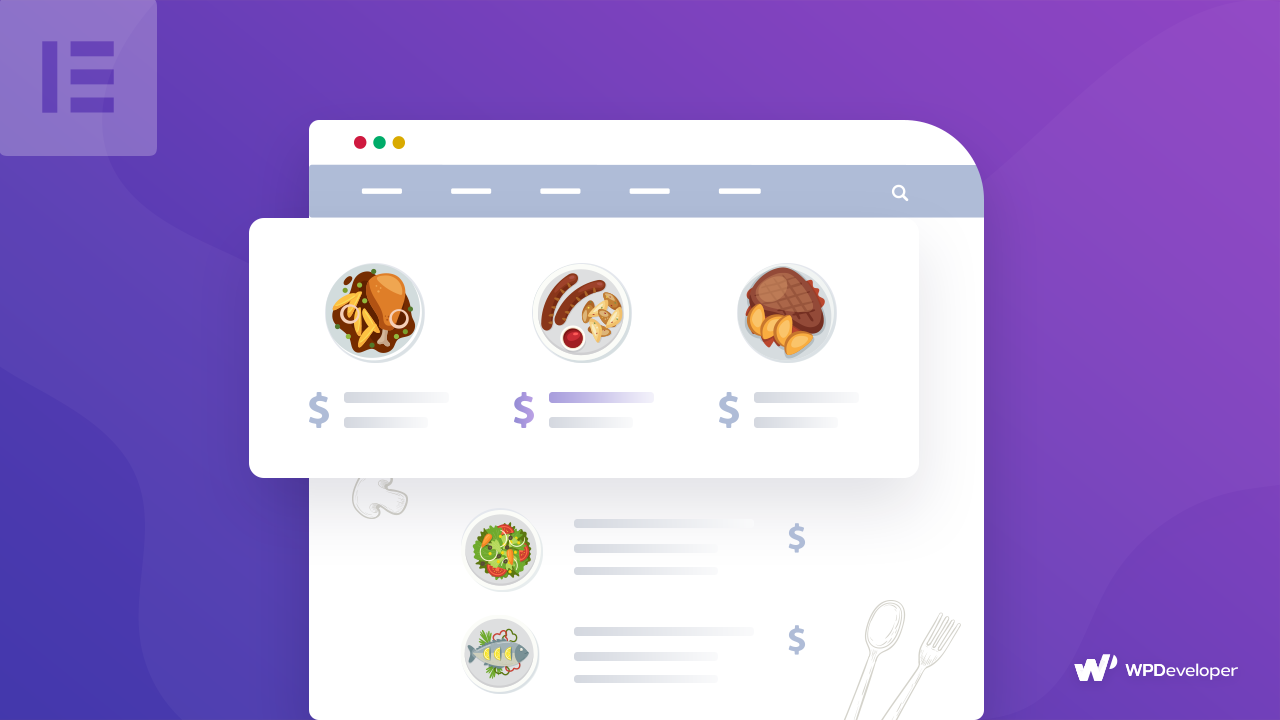
If you want to display your pricing menu on the restaurant website but you are not getting the exact solution. Then you can try out Essential Addons for Elementor special element for Pricing Menu comes with advanced features & functions to help you out to create your menu list for your WordPress site.

How To Create COVID-19 Website Using Elementor Free Template [Without Coding]
With the introduction of Templately, you can now instantly create eye-catchy & informative COVID-19 awareness website with just a couple of clicks.


How To Stop Spam Comments on Your WordPress Website
You can use the default WordPress features to stop spam comments or use the Akismet Anti-Spam WordPress Plugin.
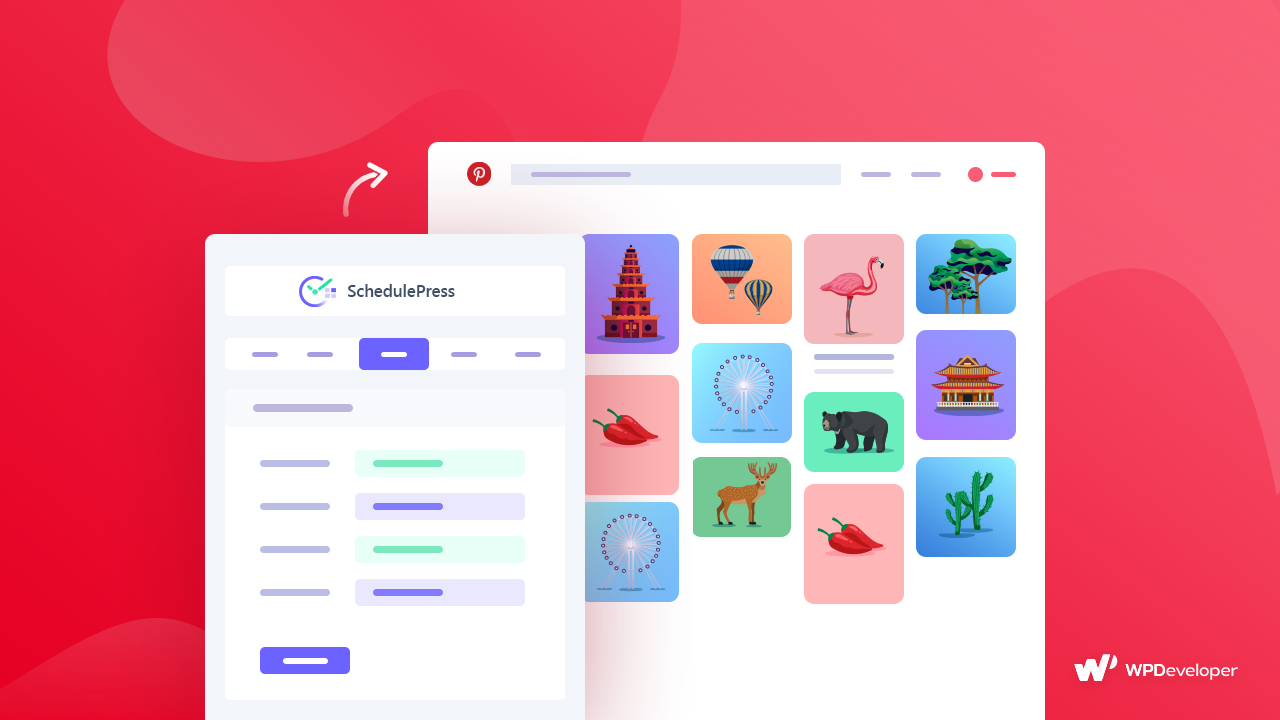
How to Auto Post WordPress Blog on Pinterest Accounts
SchedulePress Pro comes with an amazing multi-social share feature that will auto post your WordPress blogs on your multiple Pinterest accounts at a time when it goes live on your site.
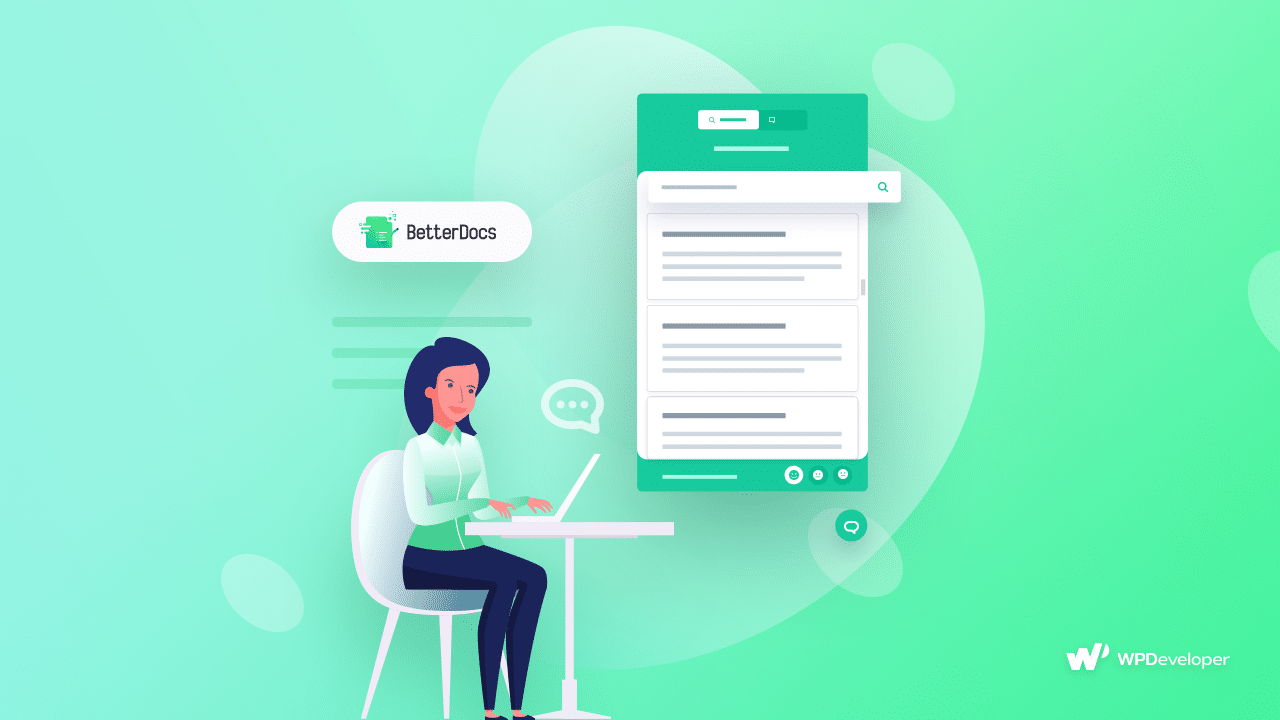
How To Provide Instant Answer In WordPress & Improve User Experience Using BetterDocs
The customer wants Instant Answer to their query even if they are using Knowledge Base to give their feedback or to know more. BetterDocs comes with this Instant Answering feature to accelerate your Knowledge Base performance, add credibility and boost site traffic on an instance.

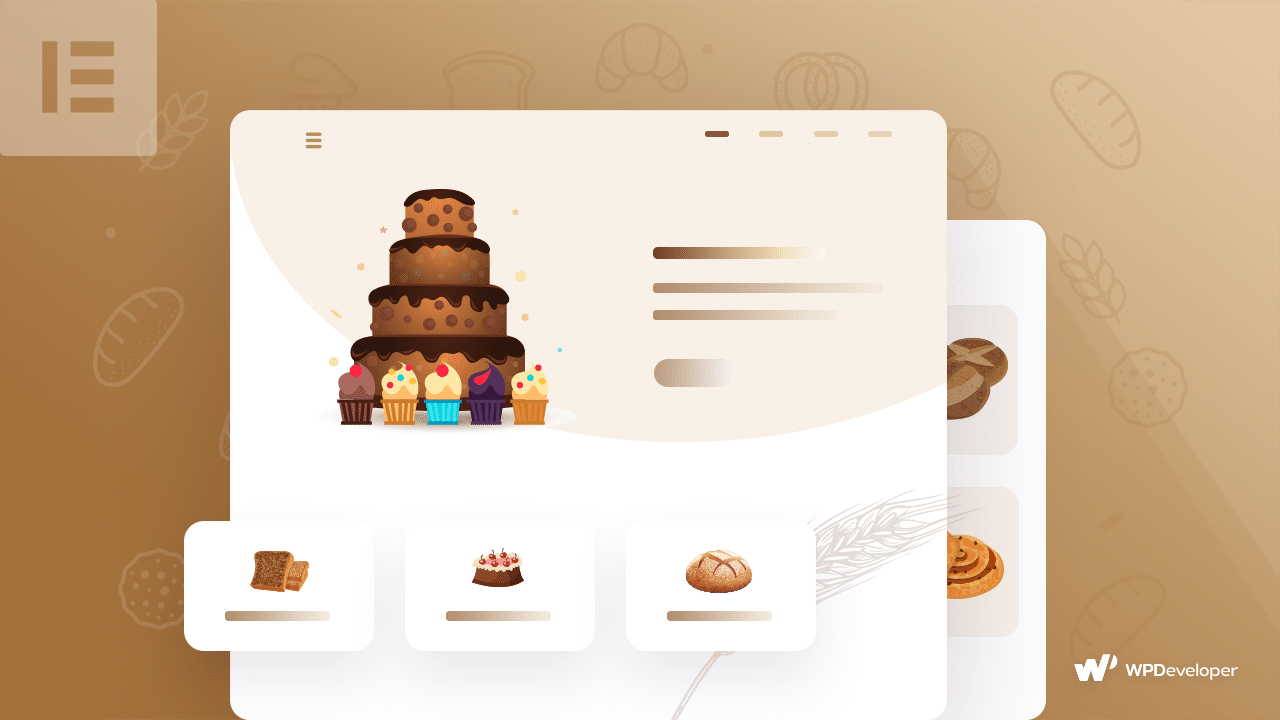
How To Create Your Own Bakery Website Using Elementor [Without Any Code]
Without having any coding knowledge, you can easily create your own Bakery website by Elementor. So, Try out Elementor and it’s ultimate library Essential Addons and leave a comment below, if you want to know more!

The Importance Of Social Proof For Startup & How To Gain It For FREE
If you want to add social proof easily for your startup, then NotificationX would be the best solution for you. It will add credibility and build your customer trust by showing live comments, reviews or sales notification on the website.

How To Solve “You Have Been Locked Out” Error In WordPress
WordPress site lock down is a very common error that almost every WordPress has faced at a certain time. Even though it sounds scary, you can actually easily take care of this error by following some simple tricks.
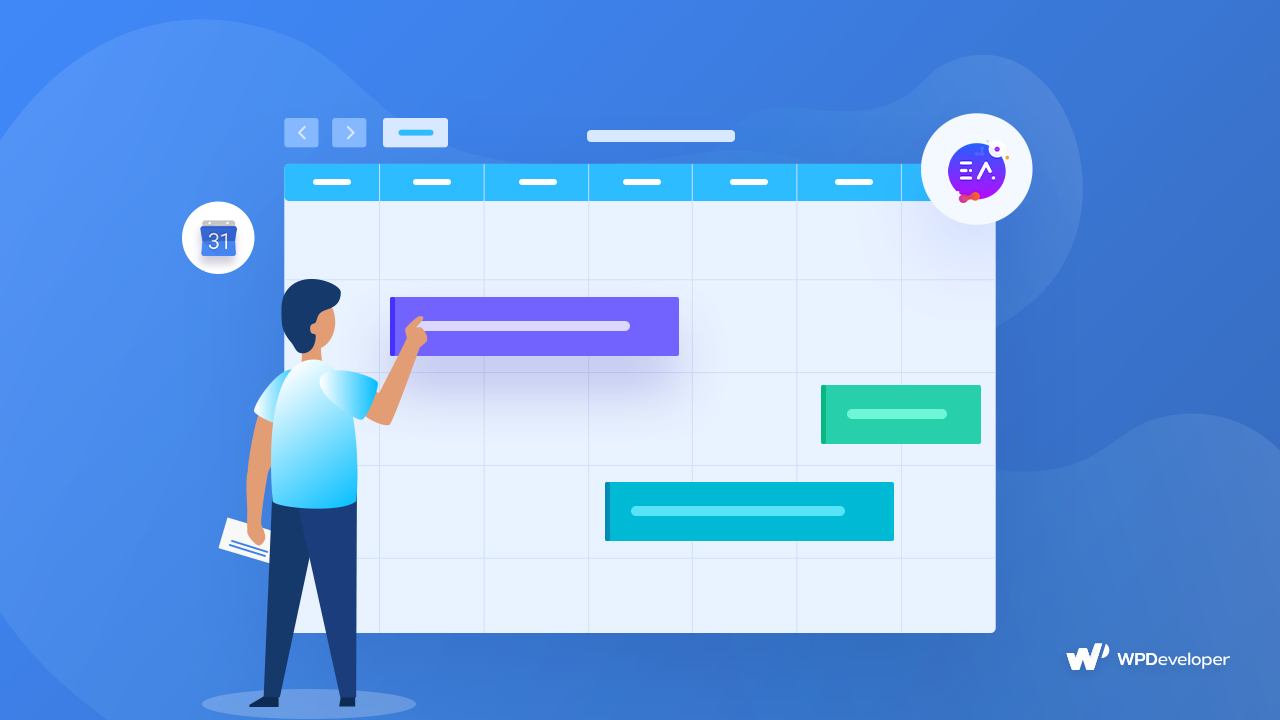
How To Add & Display Google Calendar To Any WordPress Website With Elementor
EA Event Calendar lets you embed Google Calendars inside your WordPress Website. Afterward you can add styling to the calendar as you wish.


